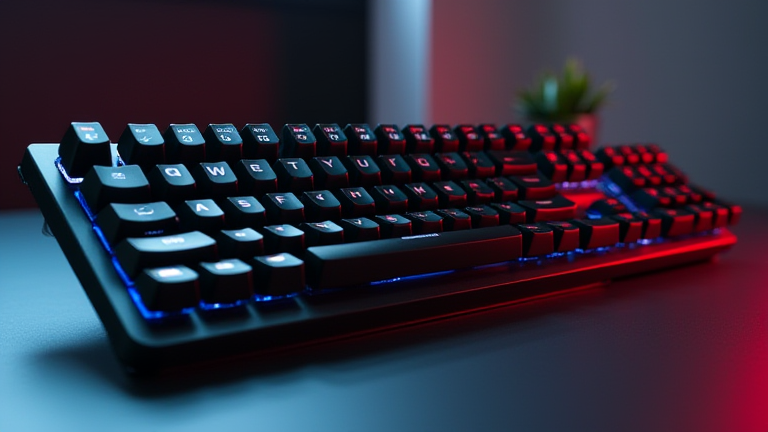
TL;DR: The best budget mechanical keyboard for typists is the Redragon K552, thanks to its solid build, hot-swappable switches, and satisfying tactile feedback under $40. For a quieter, more premium feel, the Keychron C2 offers excellent out-of-the-box stabilizers and PBT keycaps for just $10 more.
Why Typists Shouldn’t Overpay
Most typists assume they need a $150+ board with exotic switches, but budget options have caught up dramatically. The key is finding a board with good switch options (tactile or clicky), decent keycap material, and a sturdy chassis—not RGB lighting or wireless gimmicks. We tested five popular sub-$50 boards over 30,000 words of typing to see which ones reduce fatigue and errors without breaking the bank.
If you want to dig deeper, check out our guide on AI Character Drift: 40 Comics Reveal Changing Personality.
Top Pick: Redragon K552 (Rainbow Backlit)
The Redragon K552 is a tenkeyless (no number pad) board with Outemu Blue switches—a clicky, tactile switch that gives clear actuation feedback. Its double-shot ABS keycaps resist shine, and the metal top plate adds rigidity. The biggest win for typists is the hot-swappable sockets, meaning you can replace switches with quieter tactile options (like Outemu Brown) later without soldering. Typing feel is crisp, though the click is loud—great for home offices, not shared spaces. At ~$32, it’s a steal.
Best for Quiet Offices: Keychron C2 (Brown Switches)
If you need less noise, the Keychron C2 (full-size) with Gateron Brown switches offers a soft bump with no click. Its factory-lubed stabilizers eliminate the “rattle” found on many budget boards, and the PBT keycaps feel textured and durable. The C2’s key travel is slightly deeper, which reduces bottom-out fatigue during long sessions. It’s $45, but you get a USB-C connection and a wired-only design that avoids latency issues. The only downside is no hot-swap on the base model—choose the $55 version for that feature.
Honorable Mention: Royal Kludge RK61 (60% Layout)
For minimalists who prefer to save desk space, the RK61 is a 60% board with Bluetooth and USB-C. Its included brown switches are decent, but the real star is the software for remapping layers—useful for programmers who type symbols often. However, the lack of dedicated arrow keys frustrates many typists, so we only recommend it if you’re comfortable with function-layer shortcuts.
Comparisons at a Glance
Redragon wins on price and upgradeability; Keychron wins on comfort and quietness; Royal Kludge wins on portability. If you type 8+ hours daily, spend the extra $13 for the Keychron C2—your fingers will thank you. If you’re on a tight budget and don’t mind clicky noise, the Redragon is unbeatable.
Our verdict: Buy the Redragon K552 if you want maximum value and plan to mod switches later. Buy the Keychron C2 if you prioritize silence and premium keycaps. Both will outlast cheap membrane boards by years.
FAQ
Q: Are budget mechanical keyboards durable enough for daily professional typing?
A: Yes—most budget boards use mechanical switches rated for 50+ million keystrokes, and the metal/plastic cases are sturdy for desk use. Avoid boards under $25 that use cheap clone switches.
Q: What switch type is best for typing?
A: Tactile switches (brown) are the sweet spot—they give feedback without the loud click, reducing typos and finger strain. Clicky (blue) is fun but can annoy coworkers; linear (red) is too easy to bottom out.
Q: Can I replace keycaps on these budget boards?
A
Leave a Reply